Have you recently seen the word “audiodisplayed” and wondered what it means? If you came across it while checking a message, voice note, notification, or technical screen, the term can be confusing because it is usually written as one word.
The simplest audiodisplayed meaning is that an audio item was displayed, shown, or presented within an app or digital interface. It may refer to a voice message, audio file, sound player, or another piece of audio content appearing on the screen.
However, there is an important point to understand: audiodisplayed does not necessarily mean that someone listened to the audio. Displaying an audio message and actually playing it can be two different events. A person might see a voice note without ever pressing the play button.
In this guide, we’ll explain what audiodisplayed means in simple English, how it can relate to voice messages and messaging apps, it means someone heard your audio, and how it differs from terms such as audio delivered, audio opened, audio played, and audio completed.
Quick Answer: What Does Audiodisplayed Mean?
Audiodisplayed generally means that audio content was displayed or presented to a user in an app, website, or digital interface.
If you see this term connected to a voice message, it usually suggests that the audio element became visible or available in the conversation. It does not automatically prove that the recipient played or listened to the audio.
The exact meaning can depend on the platform or system where you saw the word.
Audiodisplayed Meaning in Simple English
The word audiodisplayed can be understood by separating it into two parts:
- Audio = sound, voice, music, or a recording.
- Displayed = shown, presented, or made visible.
So, in simple terms:
Audiodisplayed = audio was displayed or shown.
For example, imagine that someone sends you a voice message. When you open the conversation, the voice message appears with an audio player, play button, or waveform.
The system may describe that event as audio displayed.
That does not necessarily mean you pressed play.
This is why the word displayed is important. It describes the presentation or visibility of the audio, while played describes an action involving playback.
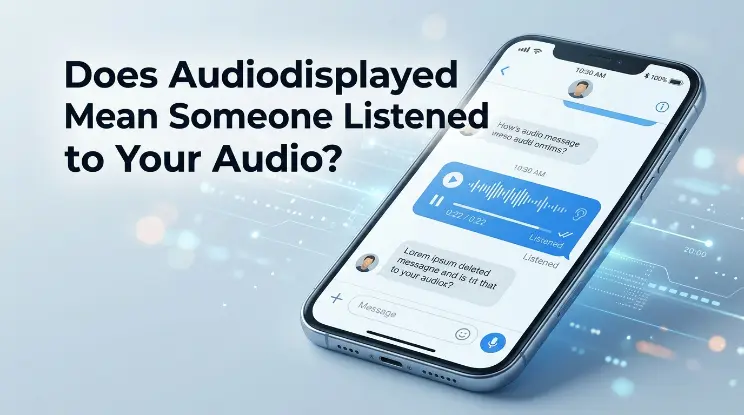
Does Audiodisplayed Mean Someone Listened to Your Audio?
No, not necessarily.
This is probably the most important thing to know about the term.
If a voice message shows as displayed, it does not automatically mean that the other person listened to it. Depending on the application, an audio display event could happen when the audio player appears on the screen or when the message becomes visible in a conversation.
For example, suppose you send a 30-second voice note to a friend.
Your friend opens the chat and sees:
🎵 Voice message — 0:30
They do not press play.
In a system that tracks the display of audio content, the audio could still be registered as displayed.
If they then press the play button, the system may record a separate audio played event.
So remember:
Displayed does not always mean played.
And:
Played does not necessarily mean the entire audio was listened to.
Different platforms can track these actions differently.
Audiodisplayed vs. Audio Played
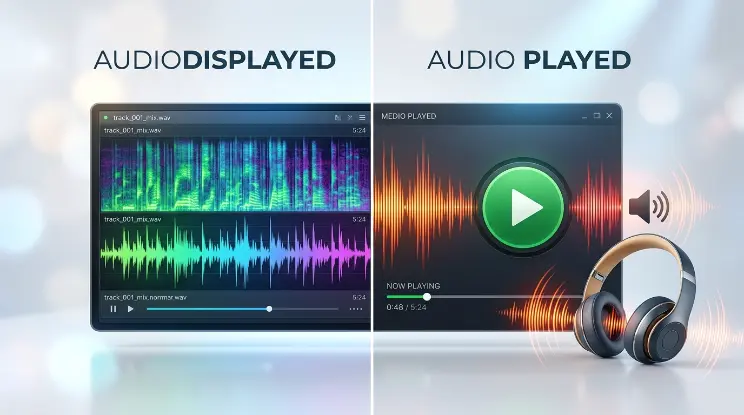
The difference between audiodisplayed and audio played is important when interpreting an audio message status.
Audiodisplayed
This generally refers to the audio element being:
- Shown on the screen
- Presented in a conversation
- Rendered by the app
- Made visible to the user
- Loaded as part of the interface
Audio Played
This generally refers to:
- Playback beginning
- The play button being activated
- The audio player starting
- The system detecting playback
These events can happen at different times.
For example:
Audio displayed → Audio played
The first event means the audio became visible. The second indicates that playback started.
A user could therefore encounter an audio message that has been displayed without it ever being played.
Audiodisplayed vs. Audio Delivered
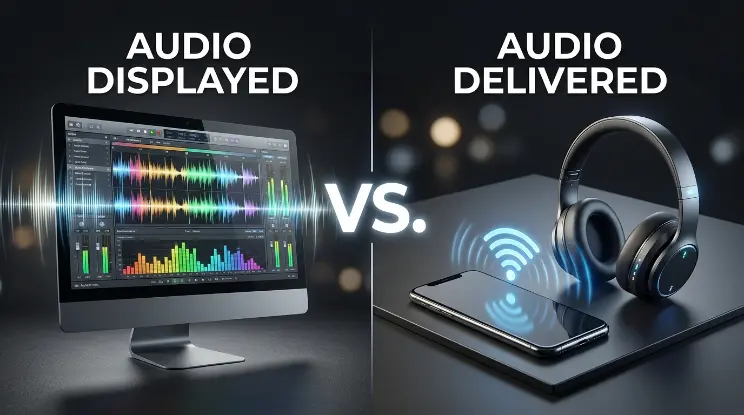
Another common source of confusion is the difference between displayed and delivered.
Audio Delivered
When an audio message is delivered, it generally means that the message or media has successfully reached its intended destination according to the platform’s delivery system.
Audio Displayed
When audio is displayed, it generally means that the audio content or its player has been presented within the relevant interface.
Think of it as a sequence:
Sent → Delivered → Displayed → Played
This is only a general example. Not every messaging app uses all of these statuses, and some platforms may define them differently.
Still, the sequence helps explain why audio delivered and audio displayed should not automatically be treated as the same thing.
Audiodisplayed vs. Audio Opened
Audio displayed and audio opened can also describe different events.
An audio item may become visible simply because a conversation was opened. That does not necessarily mean the user intentionally selected the audio.
For instance, imagine a chat containing five messages and one voice note.
When the recipient opens the chat, the voice note may automatically appear on the screen.
The system could record that the audio was displayed even though the recipient never interacted with the recording.
An audio opened event, if the platform uses one, may instead refer to a more direct interaction with the audio item.
The exact definition depends on the software.
Audiodisplayed vs. Audio Completed
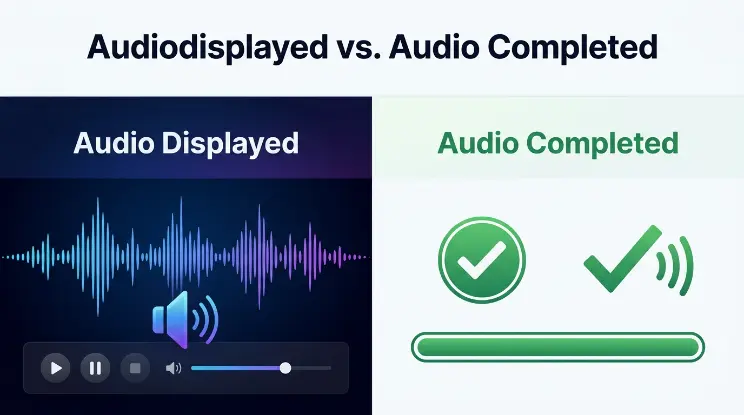
There is an even bigger difference between audio displayed and audio completed.
An audio display event may happen as soon as the audio player becomes visible.
An audio completion event generally refers to playback reaching the end.
For example, imagine a voice message that is one minute long.
If the user opens the chat, the audio player appears.
That could be:
Audio displayed
If the user presses play:
Audio played
If the recording reaches the final second:
Audio completed
This shows why one status should not be used as proof of another action.
Does Audiodisplayed Mean the Message Was Read?
Not necessarily.
An audio-specific status is not always the same thing as a normal read receipt.
A read receipt generally relates to whether a message has been viewed or opened according to a platform’s rules.
An audio displayed event may only describe what happened to the audio component.
For example:
- The text message may be read.
- The audio player may be displayed.
- The audio may not be played.
These can be separate events.
Therefore, if you see “audiodisplayed,” you should not automatically interpret it as:
“The person read everything and listened to my voice message.”
That conclusion would require more information from the particular platform.
Why Is Audiodisplayed Written as One Word?
The unusual spelling is another reason people search for the audiodisplayed meaning.
In normal English, you would probably write:
audio displayed
rather than:
audiodisplayed
But software often combines words when creating event names, labels, variables, or database fields.
For example, a developer might use:
audioDisplayed
as the name of an event.
Other systems might use:
audio_displayed
or simply display:
Audio Displayed
These can all be ways of describing an audio-related event.
So if you see audiodisplayed written as one word, it may be a technical identifier rather than a normal English expression.
Is Audiodisplayed a Slang Word?
No, audiodisplayed is not generally considered common internet slang.
People use slang terms such as:
- LOL
- IDK
- BTW
- TBH
- IMO
- FR
These expressions are commonly used in casual online communication.
“Audiodisplayed” is different.
It is more likely to be a:
- Technical term
- System label
- Event name
- Notification description
- Software identifier
- Audio-related status
If someone uses the word casually in a conversation, they may simply be referring to an audio item that appeared or was shown.
Where Might You See Audiodisplayed?
The location where you found the term can provide useful clues about its meaning.
You might encounter an audio-related display status in:
Messaging Apps
Voice messages and audio attachments can have different states, such as sent, delivered, displayed, or played.
Social Media
Social platforms contain voice messages, videos, stories, music, and other audio content. Behind the scenes, they may track different content events.
Websites
A website with an audio player may record when the player appears on a page.
Mobile Apps
Apps can generate technical events when an audio component becomes visible.
Developer or Diagnostic Tools
Technical interfaces can expose internal event names that ordinary users normally never see.
Analytics Systems
Analytics tools can record interactions with audio content for performance or user-behavior analysis.
The important point is that audiodisplayed does not have one universal definition for every application.
Why Do Apps Track Audio Display Events?
From a technical perspective, software often needs to know what happens to different elements on a screen.
For an audio player, developers might be interested in events such as:
- The audio file loaded.
- The audio player appeared.
- Playback started.
- Playback paused.
- Playback resumed.
- Playback finished.
Tracking these events can help developers understand whether an application is working properly.
For example, if an audio player is supposed to appear when a user opens a page but does not appear, a display event may help identify the problem.
This is different from tracking whether someone listened carefully to the recording.
Audiodisplayed Meaning in Voice Messages
Voice messages are one of the easiest ways to understand this concept.
Suppose you send a voice note to another person.
The message may go through several stages.
Stage 1: Sent
The voice recording leaves your device and is sent to the service.
Stage 2: Delivered
The service successfully delivers the recording to the recipient’s account or device, according to its delivery system.
Stage 3: Displayed
The voice message becomes visible in the recipient’s conversation.
Stage 4: Played
The recipient starts playback.
Stage 5: Completed
The recording reaches the end of playback.
Not every service reports all five stages.
Some apps may only show a simple delivered or read indicator, while others can track more detailed media events.
Still, this model makes the meaning of audiodisplayed much easier to understand.
Example of Audiodisplayed in a Conversation
Let’s say you send this voice note:
“Hey, I wanted to ask you something. Call me when you’re free.”
The recipient opens the chat.
They can see the voice message but don’t press play.
If the platform records an audio display event, it may show something corresponding to:
Audio displayed
Later, the recipient presses play.
The platform may then register:
Audio played
If they listen until the end:
Audio completed
This example shows why audiodisplayed meaning should not be confused with listening activity.
Does Audiodisplayed Mean the Person Opened the Chat?
It may be related to the audio becoming visible after the conversation was opened, but the term itself does not universally guarantee that the person opened the chat.
Different software systems can trigger events under different conditions.
For example, a platform might display an audio component because:
- The conversation loaded.
- The message entered the visible screen area.
- The media player rendered.
- The content was loaded automatically.
- A page containing the audio opened.
Because of this, you should not treat the word alone as definitive evidence of a specific person’s behavior.
Is Audiodisplayed the Same on Every Platform?
No.
This is an important limitation.
There is no universal rule requiring every app, website, or messaging service to use audiodisplayed in exactly the same way.
One platform may use the term to describe the audio player becoming visible.
Another may use it for a broader media event.
A third platform may not use the term at all.
Therefore, if you want to understand a specific status, the application or service where you saw it matters.
Audiodisplayed Meaning on a Phone
If you saw audiodisplayed on your phone, don’t immediately assume that someone listened to a recording.
First, think about where it appeared.
In a messaging conversation
It may relate to a voice note or audio attachment.
In an app notification
It could be a system-generated description of an audio-related event.
In an activity or diagnostic screen
It could be an internal software event.
On a website
It could describe an audio player being displayed.
The surrounding information is often more useful than the word by itself.
Common Misunderstandings About Audiodisplayed
There are several mistakes people commonly make when interpreting this term.
Mistake 1: Assuming It Means “Listened”
Seeing an audio item displayed does not automatically mean the person listened to it.
Mistake 2: Treating It as a Read Receipt
An audio display event may not represent the same thing as a message read status.
Mistake 3: Assuming It Means the Entire Audio Was Heard
Even if playback started, that does not necessarily mean the recording played from beginning to end.
Mistake 4: Assuming Every App Uses the Same Definition
Technical event names can have different meanings across different systems.
Mistake 5: Thinking It Is Popular Slang
The term is generally technical rather than a common piece of internet slang.
Audiodisplayed Meaning: A Simple Comparison
The easiest way to understand the different audio message statuses is to compare them.
| Status | What it generally means | Does it prove the audio was heard? |
| Audio sent | The audio was sent from the sender | No |
| Audio delivered | The audio reached the intended destination | No |
| Audio displayed | The audio element was shown or presented | No |
| Audio opened | The audio item may have been directly opened or interacted with | Not necessarily |
| Audio played | Playback started | It suggests playback, but definitions vary |
| Audio completed | Playback reached the end | Stronger evidence of full playback, but still platform-dependent |
This table provides the key distinction:
Visible is not the same as played.
And:
Played is not always the same as fully listened to.
What Does “Audio Displayed” Mean in Analytics?
The phrase can also have an analytics meaning.
Websites and applications sometimes record events to understand how users interact with media.
For example, an analytics system could record:
- Audio loaded
- Audio displayed
- Audio started
- Audio paused
- Audio resumed
- Audio completed
This information can help a product team determine whether an audio feature is being used correctly.
For instance, if thousands of audio players are displayed but only a small percentage are played, developers may investigate whether users are interested in the content or whether the play controls are difficult to notice.
In this context, audio displayed describes a measurable digital event rather than a personal action such as “I listened to this.”
Is Audiodisplayed a Technical Error?
Not necessarily.
If you encounter the word in an app or technical interface, it may simply be a label or event name.
However, if it appears alongside an error message, unusual notification, or broken interface, there could be a technical issue involving the application.
The word itself does not mean that something is wrong.
It simply describes an audio-related event in many possible contexts.
How to Tell What Audiodisplayed Means in Your Situation
If you’re still unsure about the audiodisplayed meaning, use the context around it.
Ask yourself:
Where did I see it?
Was it a messaging app, website, notification, or technical screen?
What type of content was involved?
Was it a voice note, music file, video, or another audio recording?
Were there other statuses nearby?
Look for words such as:
- Delivered
- Opened
- Played
- Paused
- Completed
- Read
If several of these appear together, they can help reveal how the system separates different audio events.
Why “Displayed” Matters
The word displayed is important because digital content can go through several stages before a user actively interacts with it.
Think about watching a video online.
The video thumbnail can be displayed without the video being played.
Similarly, an audio player can be displayed without the audio being played.
This basic distinction applies to many digital experiences.
That is why audiodisplayed meaning is best understood as a presentation or visibility event rather than definite proof of listening.
Can Someone See an Audio Message Without Listening?
Yes.
This is completely possible in many messaging environments.
A person might:
- Open the conversation
- See the voice note
- Read the surrounding text
- Decide not to play the recording
- Leave the chat
In that situation, the audio may have been displayed even though it was never played.
This is why you should be careful when interpreting audio message statuses.
Can Audio Be Played Without Being Fully Heard?
Depending on the platform and circumstances, playback can begin without the listener hearing the entire recording.
For example:
- They could stop playback halfway through.
- They could close the conversation.
- They could pause the recording.
- The device could be muted.
- The user could move away from the device.
- Playback could be interrupted.
Therefore, even an audio played status may not always prove that a person carefully listened to every word.
This is another reason why audiodisplayed should not be treated as proof of listening.
Is There an Emotional Meaning Behind Audiodisplayed?
No.
Unlike emojis, slang, or phrases used in casual conversations, audiodisplayed does not normally carry an emotional meaning.
It does not inherently mean:
- Someone is happy.
- Someone is angry.
- Someone is ignoring you.
- Someone likes your message.
- Someone dislikes your message.
- Someone is interested in you.
It is generally a descriptive or technical term.
If someone is trying to understand another person’s feelings based only on an “audiodisplayed” status, they should avoid drawing conclusions from that status alone.
How Should You Interpret Audiodisplayed?
The safest interpretation is:
The system indicates that an audio element was displayed or presented.
Then consider the platform-specific context.
If there is also an audio played status, that gives you additional information about playback.
If there is an audio completed status, that may indicate that playback reached the end.
But without knowing the exact system, you should avoid making stronger claims than the status supports.
Audiodisplayed Meaning: Key Takeaways
Here are the most important points to remember:
- Audiodisplayed generally means audio was displayed or presented.
- It is more likely to be a technical term than common slang.
- It can relate to voice messages, audio files, videos, or audio players.
- It does not automatically mean someone listened to the audio.
- “Displayed” and “played” can represent different events.
- “Delivered” and “displayed” can also represent different stages.
- The exact definition depends on the platform or software.
- An audio player appearing on the screen does not prove that playback occurred.
- Even playback does not necessarily prove that the entire recording was heard.
Frequently Asked Questions
What does audiodisplayed mean?
Audiodisplayed generally means that an audio element was displayed, shown, or presented within an app, website, or digital interface. It can refer to a voice message, audio player, recording, or another type of sound content.
Does audiodisplayed mean someone listened to my voice message?
No, not necessarily. An audio message can be displayed on the screen without the recipient pressing play. If you want to know whether playback occurred, look for a separate audio-played or similar status when the platform provides one.
Is audiodisplayed the same as audio played?
No. Audio displayed generally describes the audio element becoming visible or being presented, while audio played generally indicates that playback started. The exact definitions can vary by application.
Is audiodisplayed the same as delivered?
No. Delivered generally refers to the audio reaching the recipient or destination. Displayed generally refers to the audio being presented in the relevant interface.
Does audiodisplayed mean the person opened my chat?
Not necessarily. An audio display event can be associated with the audio becoming visible, but the exact trigger depends on the platform. The term alone should not be treated as definite proof that a particular person opened the chat.
Is audiodisplayed a slang term?
Generally, no. It is not common internet slang like LOL or IDK. It is more likely to be a technical label, software event, or audio message status.
Why is audiodisplayed written as one word?
Technical systems often combine words when creating event names or identifiers. For example, a developer could use an event name such as audioDisplayed. This may later appear as “audiodisplayed” in a technical interface.
Can audiodisplayed appear in a messaging app?
Yes, an application can track audio-related events such as when a voice message becomes visible, starts playing, or finishes. However, not every messaging service uses the same terminology.
Does audio displayed mean the audio was downloaded?
Not necessarily. Displaying an audio player and downloading an audio file are different technical events. A platform may handle media loading and downloading separately.
Does audiodisplayed mean the entire voice note was heard?
No. The term itself does not prove that the recording was played from beginning to end. Even an audio-played status may not provide complete information about what a person actually heard.
Final Answer: Audiodisplayed Meaning
So, what does audiodisplayed mean?
In simple terms, it generally means that an audio item was displayed, shown, or presented within a digital interface. You might encounter it while dealing with a voice message, audio file, video, messaging application, website, or technical system.
The most important distinction is between displaying and playing.
An audio message can appear on someone’s screen without being played. Therefore, if you see an “audiodisplayed” status, you should not automatically assume that the recipient listened to your voice note.
A useful way to remember the difference is:
Audio displayed = the audio was shown.
Audio played = playback started.
Completed = playback reached the end.